@jacoblincool/tmpl
tmpl
Jacob's Project Templating Tool.
Features
- Make a template from a directory
- Use a template in a directory
- List all templates
- Peek the file structure and variables of a template
- Import a template from a remote
gitrepository - Template variables
- Composability of multiple templates
Installation
pnpm i -g @jacoblincool/tmpl
CLI Usage
It is intended to be an interactive tool, but it can be used in a non-interactive way.
Use
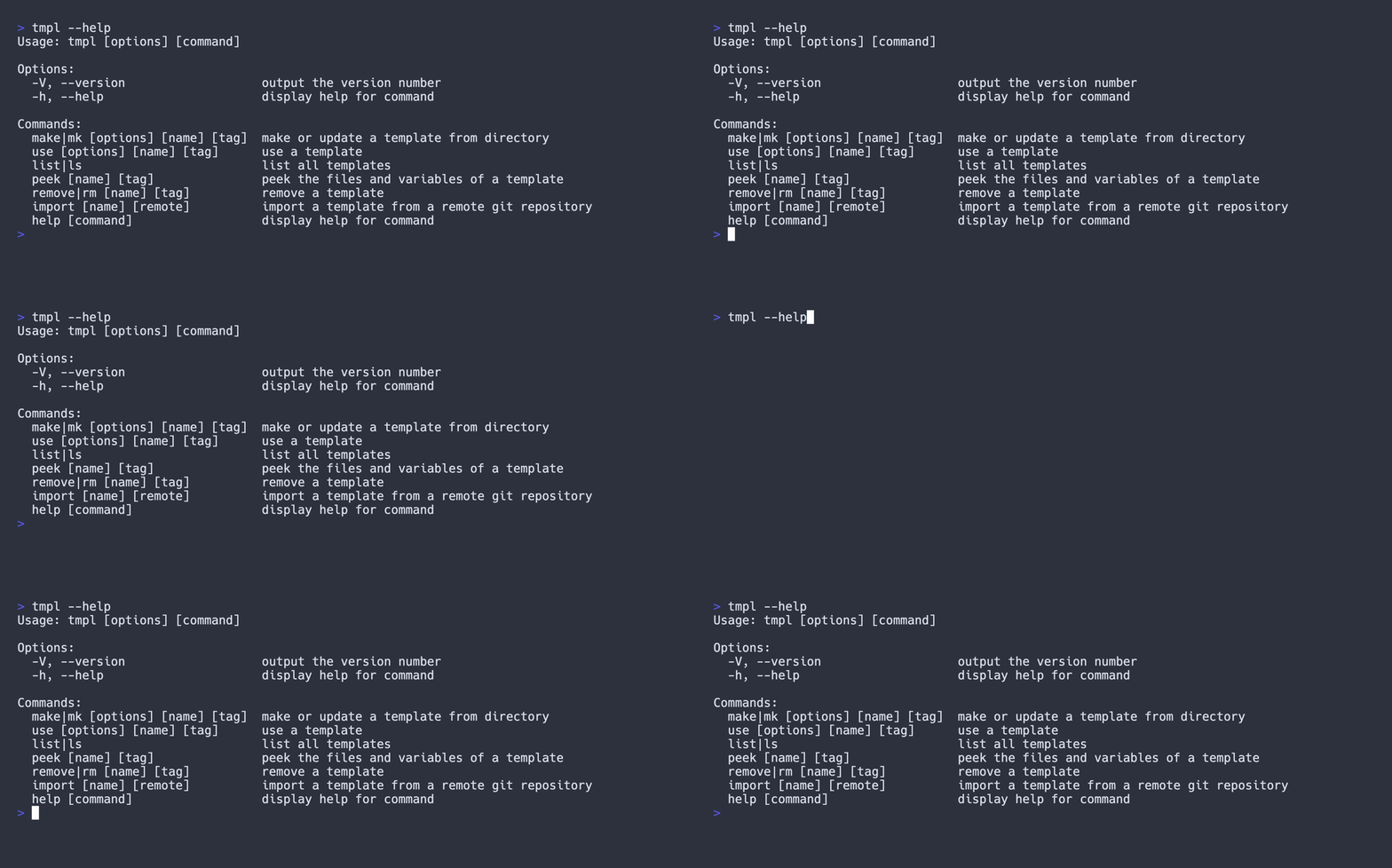
tmpl --help/tmpl <command> --helpto see all the options.
Make new template
cd into the directory you want to make a template of, and run:
tmpl make
It will prompt you for a name and do the rest for you.

Template variables
You can use variables in your template.
Use $#VAR#$ to mark a variable of name VAR.
Template variables are case-insensitive.
Character range: A-Z (a-z), 0-9, _, ., and -.
Use template
cd into the directory you want to use the template in, and run:
tmpl use
It will give you a list of templates to choose from and do the rest for you.
If there are any files that already exist, it will prompt you to overwrite them or not.

List templates
It will give you a list of existing templates.
tmpl list

Peek template
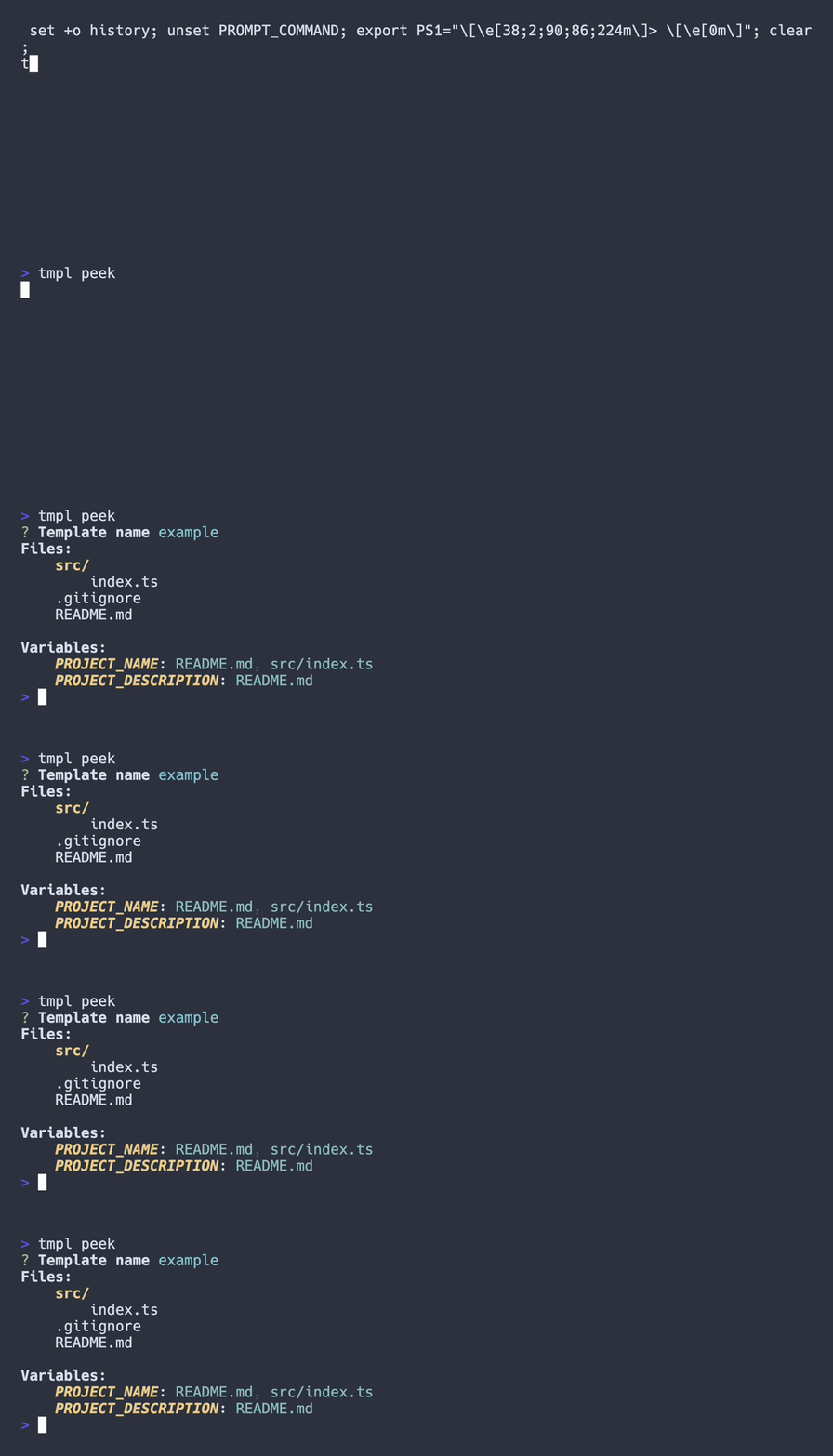
Sometimes you want to see what a template is before using it. You can do that with:
tmpl list
It will show you the file structure and variables of the template.
Import template
This tool uses git under the hood to manage templates.
By leveraging the power of git, you can import templates from any remote repository.
tmpl import
It will prompt you for a remote repository URL and a (local) name for the template.

API Usage
It can also be used as a library.
See the documentation for more information.